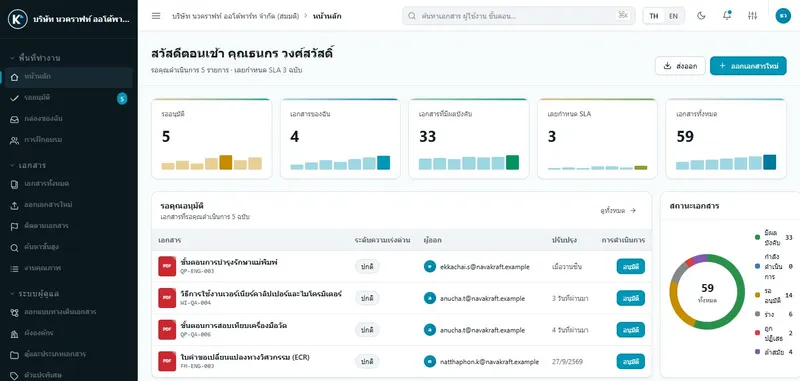
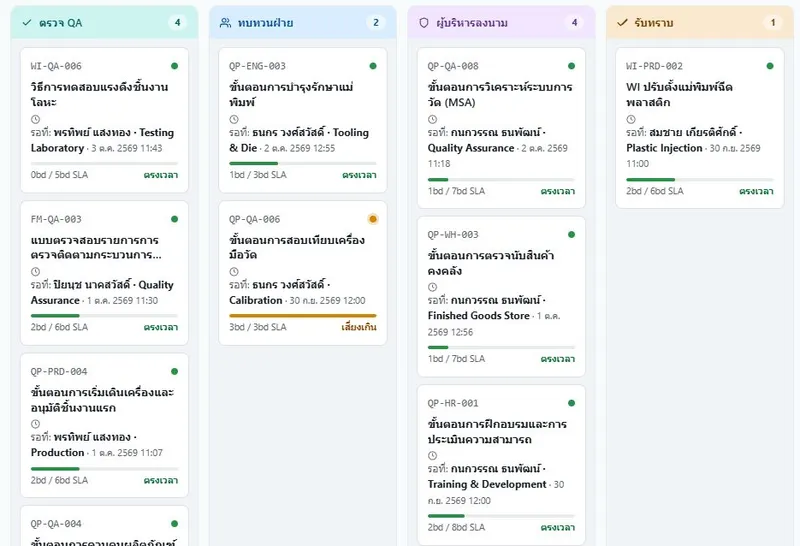
Issue, approve, distribute and keep the evidence of every step in one place, and answer an auditor: which revision is in force, who approved it, and who received it.
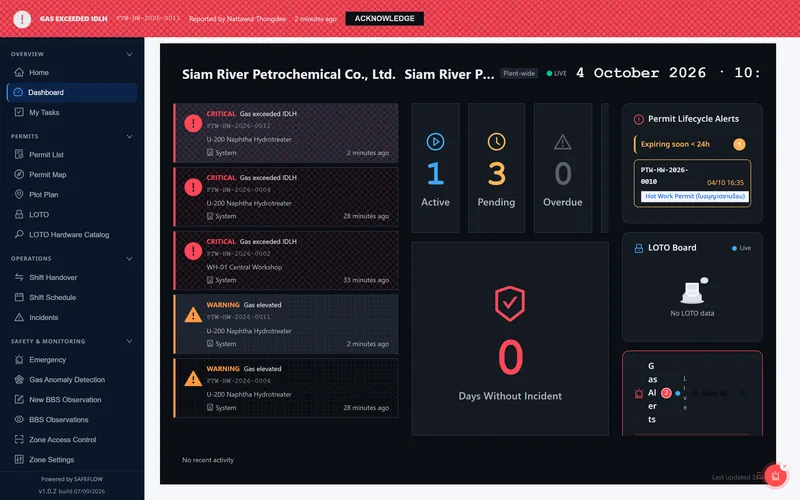
Permit to work that will not let risky work start until it is safe: no start without complete LOTO, and work is suspended automatically when gas readings turn critical.
The team behind Docordia and SAFEFLOW designs and builds software for individual organisations, from web apps and integration with existing systems to Windows programs.
A development team in Thailand that works in Thai and English
Two products of our own, plus custom development
Runs in the cloud or on your own servers
Custom software
Off-the-shelf does not fit? We build software around your work
The team behind Docordia and SAFEFLOW also designs and builds software for individual organisations, from web applications to connecting the systems you already run.
Web applications
Internal systems, dashboards and customer portals that run in the browser on any screen size.
React
Next.js
TypeScript
Tailwind CSS
Backend, APIs and integration
APIs and databases designed for your data, connecting ERP and existing systems so data is entered once.
Node.js
Python
.NET
REST API
Full stack systems
Screens, back end and deployment from one team that is responsible for the whole system.
MERN
.NET + React
Django + React
Windows and .NET applications
Desktop programs for the office and the shop floor, with printable reports.
WinForms
WPF
ASP.NET
Crystal Reports
IoT and sensors
Bring machine and sensor data into one system to track status and build reports.
Arduino
Raspberry Pi
MQTT
AI and LLM integration
Use LLM services to search and summarise internal documents, with clear permissions and data boundaries.
LLM
RAG
Vector search
UX/UI design
Screens designed from real use, with wireframes and prototypes users can try before we build.
User research
Wireframe
Prototype
Design system
Security and performance
Review and improve existing systems: sign-in, user permissions and handling load.
Security review
Performance tuning
SSL
Load testing
Systems organisations often ask us to build
Asset management and maintenance
Project management and task tracking
Point of sale (POS) and stock
Dormitory and rental building management
Dashboards and reports across several systems
Internal forms and approval workflows
Our process
01
Understand the work
We discuss goals, users and the real workflow, then agree on scope and priorities.
02
Design
Screens, prototypes and system structure for you to review before development starts.
03
Build and test
Short development rounds, each one handed to you to try and comment on, tested before delivery.
04
Deliver and support
Installation, user training, and ongoing fixes and improvements once the system is live.
Docordia controls documents and quality work such as issuing, approval, NCR and CAPA. SAFEFLOW controls permits for high-risk work such as hot work, LOTO and confined space entry.
Yes, both of them. Our team reviews the server and network with your IT staff.
We email you demo access as soon as you submit the form, and our team can schedule a walkthrough with your own work.
See each product’s pricing page. Prices exclude 7% VAT. For on-premise installations, contact sales for a quote.
Yes: web applications, integration with existing systems and Windows programs. See the custom software section above, or send us the details of what you need and we will assess it with you.
Ready to see it working?
Request a demo to get trial access by email, or send our team a question.